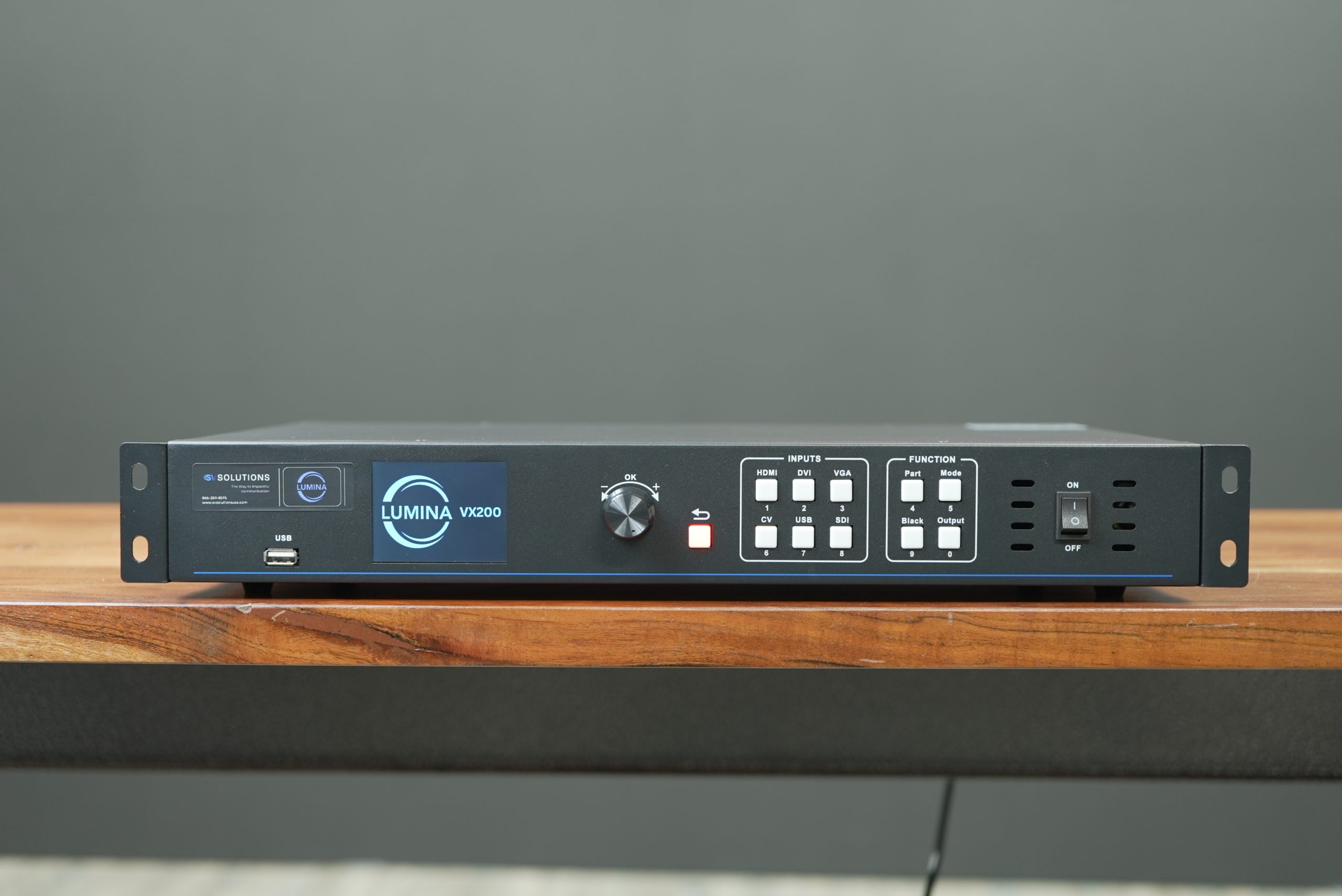
Understanding how many panels you can send to a single data port of your processor is crucial when planning an LED screen setup. This knowledge ensures optimal performance, avoids overloading the system, and guarantees seamless display quality. In this article, we will explore the factors that influence the capacity of a data port and how to optimize your LED screen installations for the best results.
What Is a Data Port in LED Processors?
A data port in an LED processor acts as a communication channel that transmits signals between the processor and the LED panels. Think of it as a highway where data packets travel to keep your LED screens displaying content correctly. The number of panels a single data port can handle depends on various factors, including resolution, refresh rate, and the type of LED panels being used.
What Is a Data Port in LED Processors?
1. Resolution of the LED Panels
The resolution of your LED panels directly impacts the data load on a single data port. Higher resolution panels require more data bandwidth, which reduces the number of panels that can be effectively managed by one port. For example, if you’re using high-resolution 4K panels, fewer panels can be connected to a single port compared to lower-resolution screens.
2. Refresh Rate of the Panels
The refresh rate is another critical factor. Panels with higher refresh rates require more data to maintain smooth, flicker-free motion, which in turn limits the number of panels that can be managed by a single data port. A standard refresh rate of 60Hz is generally easier on data ports than a higher refresh rate like 120Hz or above.
3. Panel Configuration and Size
The physical size and configuration of your panels also play a role. Larger panels or those with complex configurations need more data to function correctly. Understanding the pixel load each panel contributes can help determine the total number of panels that a data port can support.
4. Processor Capability
Not all processors are created equal. The capability of the LED processor itself—how efficiently it can handle data, manage ports, and distribute load—determines the number of panels each port can handle. Advanced processors from brands like NovaStar or Colorlight are designed to manage more data-intensive panels compared to older or less sophisticated models.
Calculating Panel Capacity Per Data Port
To calculate the number of panels you can send to a single data port, you need to consider a few technical aspects:
•Pixel Capacity: Each data port has a maximum pixel capacity, typically listed in the processor’s specifications. For example, a port with a capacity of 650,000 pixels might handle a configuration of multiple 640×480 panels but would struggle with higher pixel counts.
•Data Load per Panel: Knowing the pixel count per panel helps you allocate the right number to each data port. A simple calculation involving the total pixels of each panel and the data port’s pixel capacity will give you an idea of the load distribution.
•Bandwidth Considerations: The available bandwidth of each data port affects how many panels can be supported without compromising performance. The data rate of the port (e.g., Gbps) must match the combined data rate of all connected panels.
Tips for Optimizing Data Port Usage
1. Plan the Layout
Designing the layout of your panels with data ports in mind can significantly affect performance. Place high-resolution panels closer to the processor and distribute lower-resolution panels across multiple data ports to balance the load effectively.
2. Use High-Quality Cables
The quality of the cables connecting your panels to the processor can influence the signal integrity. Use cables that can handle high data loads without degradation to maintain the performance of each data port.
3. Upgrade the Processor if Necessary
If you frequently encounter issues with overloading data ports, consider upgrading to a more capable processor. Newer models often have better port management capabilities and can handle more complex configurations with ease.
4. Monitor and Test Performance
Regularly monitor the performance of your LED screens and test different panel configurations to identify the optimal setup. Use diagnostic tools available with your processor to detect any data overloads or signal issues.
Common Mistakes to Avoid
1. Ignoring the Pixel Capacity
A common mistake is to overlook the pixel capacity of the data port. Always check the specifications of your processor and ensure the total pixel load of your panels does not exceed the capacity.
2. Overloading with High-Resolution Panels
Overloading a data port with high-resolution panels can lead to lag, screen flickering, or complete signal loss. Balancing high and low-resolution panels across ports can help maintain consistent performance.
3. Inadequate Testing Before Installation
Not testing the full setup before installation can result in unexpected data issues. Conduct a full test of all panels connected to each data port to ensure smooth operation before going live.
Conclusion
Understanding how many panels you can send to a single data port of your processor is essential for any successful LED screen setup. By carefully considering factors such as resolution, refresh rate, and processor capabilities, you can optimize your configuration to ensure high-quality, reliable displays. At SV Solutions, we specialize in helping clients make informed decisions about their LED screen setups. If you have any questions or need expert advice, contact us at (866) 389-8595.
Let SV Solutions help you achieve the best performance for your LED screen installations.
At SV Solutions, we recognize the significance of crafting unforgettable experiences through seamless events.